Release Fixtures
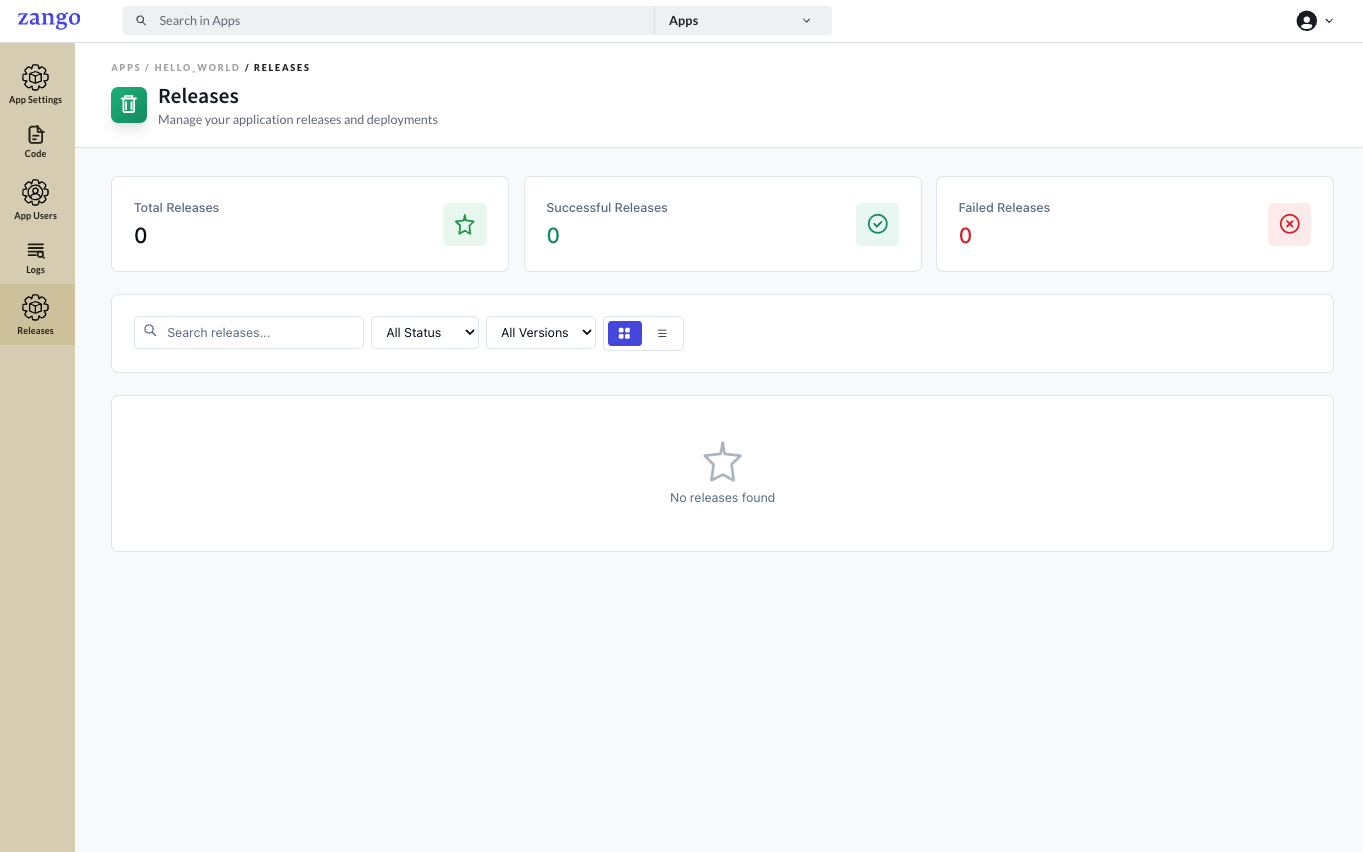
The Releases section is a top-level item in the App Panel sidebar (at the same level as Code, App Settings, and Logs). It manages versioned snapshots of your app's configuration — menu layouts, login settings, and AppBuilder routes — so you can deploy consistent, reproducible app states across environments.
What Are Release Fixtures?
A fixture is a JSON snapshot of your app's current AppBuilder configuration (menus, routes, login config). Fixtures let you:
- Version-control your app configuration alongside your code
- Deploy the same configuration to staging and production reliably
- Roll back to a previous configuration if a deployment breaks something
Fixtures capture:
| Fixture Type | Description |
|---|---|
| Menu configurations | Which menu items appear for which roles |
| Login configurations | Custom login page settings per app |
| AppBuilder settings | Route-to-component mappings and page configs |
Exporting Fixtures
# Docker Compose
docker compose -f deploy/docker_compose.yml exec app bash -c \
  "cd zango_project && python manage.py export_fixture \
  --workspace=<app_name> --package --release_version=<version>"

# Python venv (from zango_project/ directory)
python manage.py export_fixture \
  --workspace=<app_name> --package --release_version=<version>
This generates fixture files under workspaces/<app_name>/release/<version>/:
menu_config.jsonlogin_config.jsonappbuilder_config.json
Commit these files to version control.
Example:
python manage.py export_fixture --workspace=clinic --package --release_version=1.2.0
Applying Fixtures
Apply a fixture to update the app's live configuration:
# Docker Compose
docker compose -f deploy/docker_compose.yml exec app bash -c \
  "cd zango_project && zango update-apps --app_name=<app_name>"

# Python venv (from zango_project/ directory)
zango update-apps --app_name=<app_name>
This reads the fixture files in the workspace and applies them to the running app — menus, routes, login config, and AppBuilder settings. Use this during CI/CD deployments to ensure AppBuilder config is always in sync with your code.
Workflow in Practice
Development → Export fixture → Commit to git → CI/CD applies fixture on deploy
- Make changes to menus/routes via the App Panel or API during development
- Export the fixture with a version tag matching your release
- Commit
release/<version>/to your repo - On deployment,
zango update-appsapplies the fixture automatically