How Transitions Work
Transition as a Directed Graph
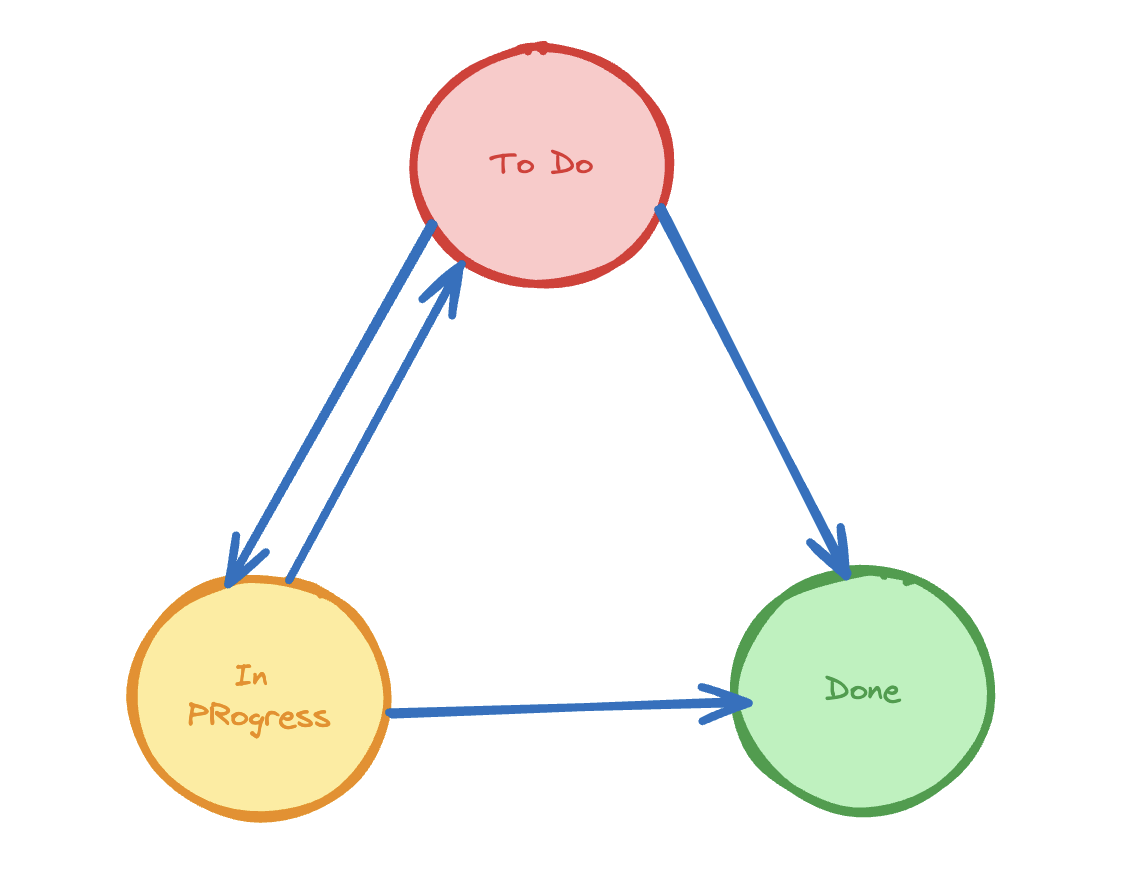
Statuses are nodes. Transitions are the directed edges between them. A record can only move along an explicitly defined edge — no implicit or free-form status changes.
draft ──submit──▶ pending ──approve──▶ active
                     │
                  reject
                     │
                     ▼
                 rejected ──reopen──▶ draft
This means:
- A
pendingrecord cannot jump directly toactiveunlesspending → activeis defined - You can define multiple outgoing transitions from one status (branching)
- You can define transitions that go backwards (rollback paths)
What Happens During a Transition
- User clicks the transition button in the UI
- If a
confirmation_messageis set — confirmation dialog is shown - If a
formis set — form drawer opens; user fills it in and submits <name>_condition()is called — if it returnsFalse, the transition is blocked- The record's status is updated to the
tostatus - A
WorkflowTransactionrecord is created (audit log) <name>_done()is called — post-transition logic runs
Transition Types
| Type | How triggered | form key | is_manual |
|---|---|---|---|
| Simple | User clicks button, confirms | Not set | True (default) |
| Form-based | User fills in a form drawer | Set to a form class | True (default) |
| System | Code only — not shown in UI | Optional | False |
Audit Trail
Every transition automatically creates a WorkflowTransaction record containing:
- Which object transitioned
- Which transition was executed
- Who triggered it (
request.user) - Timestamp
- Any form data captured
This gives you a complete history of every status change for every record.
Transition Visibility in the UI
The frontend (WorkflowStatus component) shows only transitions that:
- Start from the record's current status (
frommatches current status) - The current user's role is in
roles(orrolesis not set) - The
_conditionmethod returnsTrue is_manualis notFalse